MFA fatigue is real. Here's how to fix it without weakening security.
Elena Cross
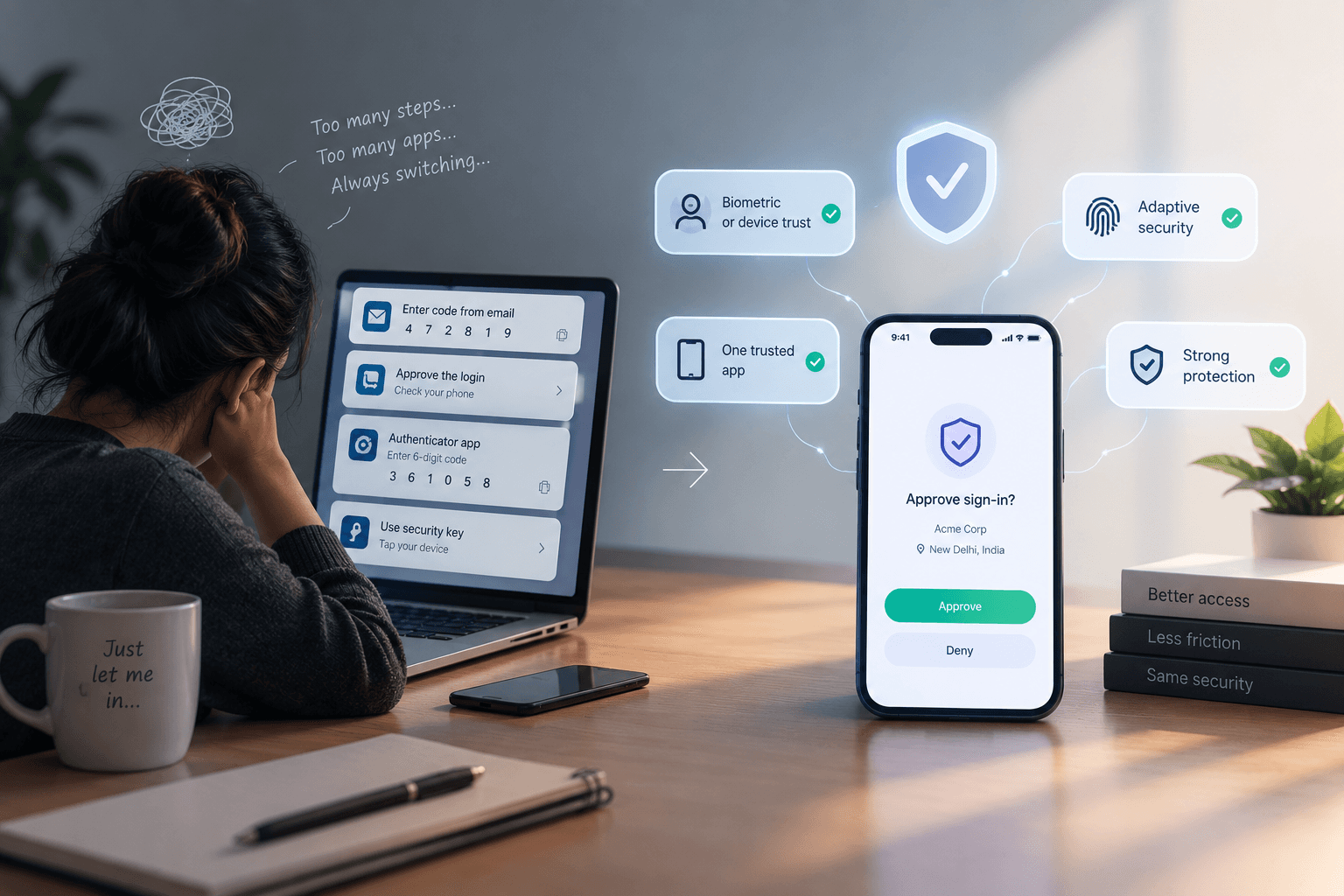
If your team approves push notifications without reading them, your MFA isn't protecting anyone. It's just adding a step.
Multi-factor authentication works on a simple premise: even if someone steals a password, they still can't get in. For years, that held up well.
Then attackers adapted. Instead of trying to bypass MFA, they started using it. Steal the credentials, then send push request after push request until the person on the other end taps approve just to make it stop.
It works more often than it should. Not because people are careless, but because the system trained them to be.
How fatigue actually sets in
Nobody starts out approving prompts blindly. It happens gradually:
Too many prompts: If someone gets nine MFA requests a day for routine work, the tenth stops registering as a decision.
No context: A prompt that says "Approve sign-in?" with no location, device, or app name gives the person nothing to evaluate.
Approval is easier than denial: Tapping approve clears the notification. Denying it often means explaining yourself to IT.
Put those together and you've built a system where the safest response is also the most annoying one. People optimize for getting back to work.
Pull quote:
An MFA prompt that nobody reads is a password with extra steps.
What actually fixes it
The instinct is to add friction back in, more prompts, stricter rules, shorter sessions. That makes fatigue worse, not better. The fix is fewer, better prompts.
Number matching: Instead of a yes/no tap, the login screen shows a number the person must enter on their device. It's a small change that makes blind approval impossible.
Rich context in the prompt: Show the location, device, and application requesting access. Give people enough to notice when something's wrong.
Risk-based triggers: Don't prompt for a known device on a known network doing routine work. Save the interruption for logins that actually look unusual.
Phishing-resistant factors: Hardware keys and passkeys can't be approved by accident, because there's nothing to approve. They either work or they don't.
Make denial easy
This one gets overlooked. If someone gets a prompt they didn't trigger, denying it should be one tap and should automatically alert your security team. No form, no ticket, no conversation about whether they're sure.
When reporting a suspicious prompt is easier than ignoring it, you get early warning on credential theft instead of finding out weeks later.
The point isn't more authentication
It's authentication that people can still think about. Every prompt you remove from routine work makes the remaining ones mean something. That's what keeps MFA doing its job instead of just occupying space in the login flow.

Identity and access management for teams who can’t afford to guess.
